A busy counter, a full dining room, or a patio filling up for dinner - your team needs tools that fit the way you serve. EDGESERV® front of house options support the interactions that shape a guest’s visit, from organizing reservations and waiting parties to taking orders and handling payments.
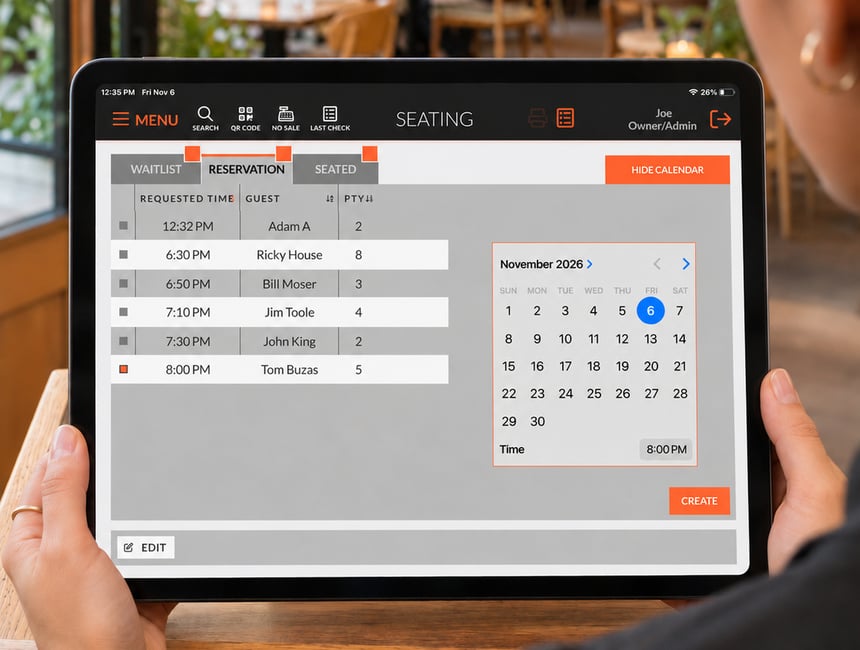
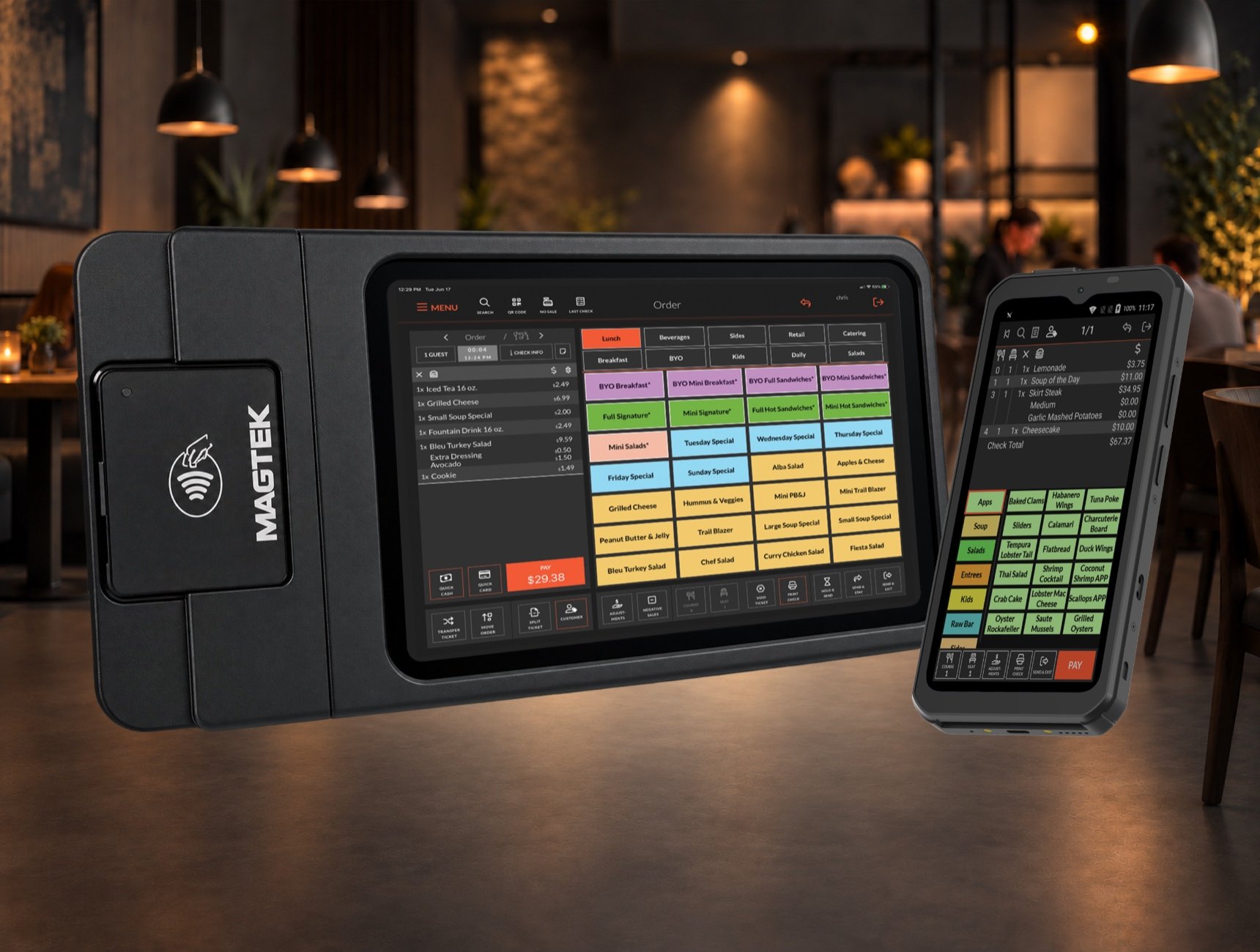
Keep reservations and your waitlist organized within the POS, and use handhelds to take orders and payments at the table or on the patio. Build your setup around where service happens, so your staff have the tools they need wherever they’re serving.
Make each guest interaction count.
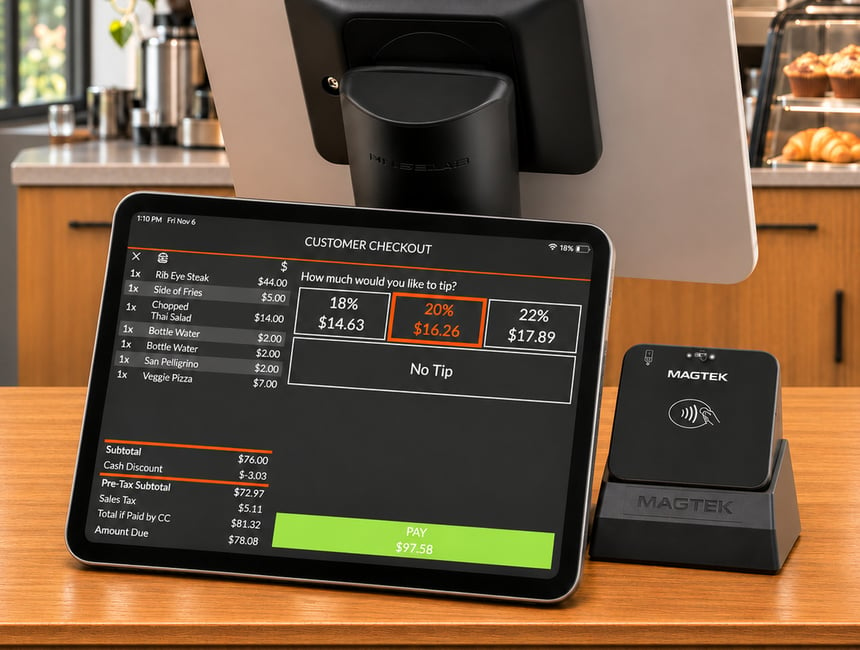
Give guests a clear view of their order with a customer-facing display. As staff enter items, guests can follow along and review what’s on the screen. Menu images and promotions give you another way to highlight what you offer during that interaction.
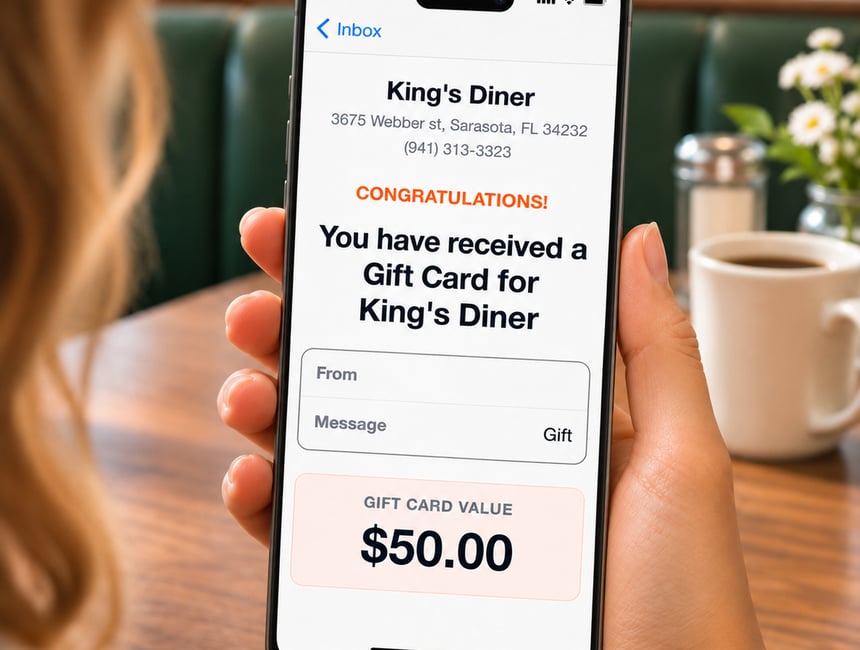
Extend the connection beyond the visit with a gift card program connected to your POS. Whether guests are celebrating an occasion, saying thank you, or introducing someone to a favorite restaurant, gift cards give them a way to share the experience.