
Back of House
Keep the kitchen moving.
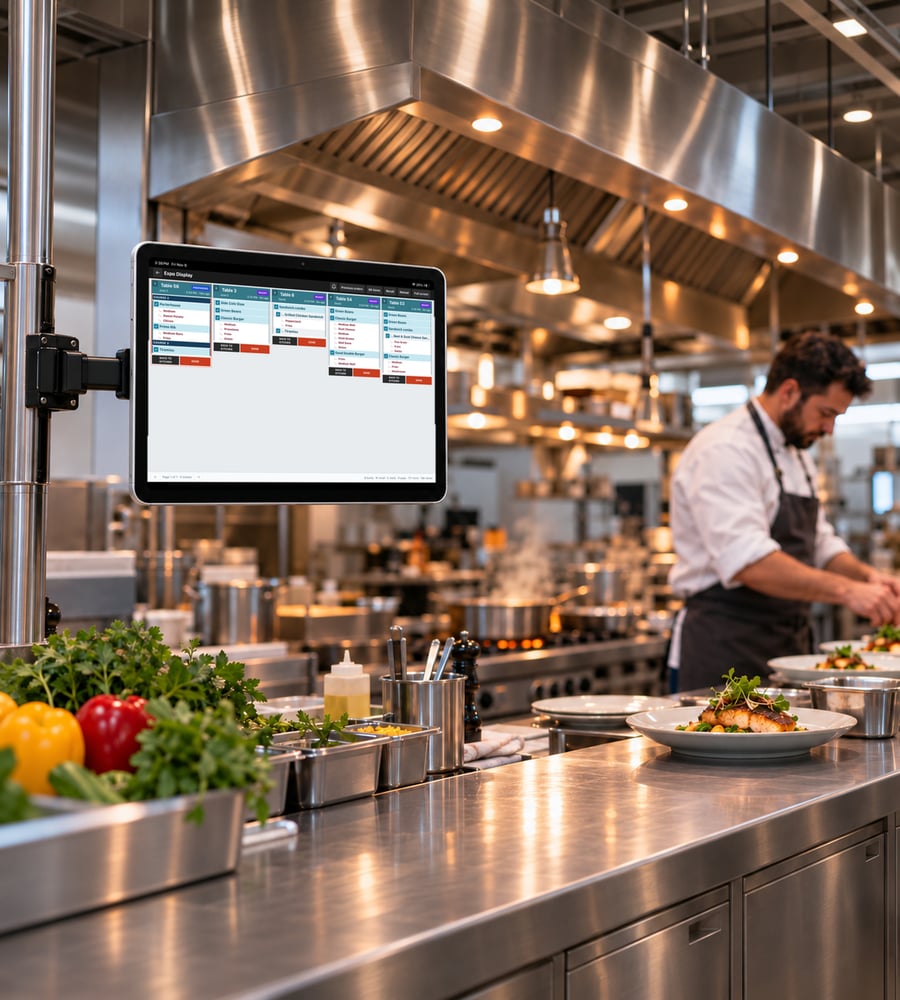
Send orders from EDGESERV® to kitchen screens, route instructions by station, and keep tickets in view through service.
-
Give Each Station What it Needs: Route instructions to the right kitchen stations. Use screens alongside kitchen printers or replace printed tickets where it makes sense for your setup.
-
Set the Screen for Your Kitchen: Choose your monitor size, adjust how many tickets appear, and set the threshold for late tickets. Show item voids so the kitchen can see when an item has been removed.
-
Keep Courses on Pace: Use the optional course-firing feature to manage when the next course reaches the kitchen.
-
Keep Both Sides Informed: Send order-ready and question notifications to help the kitchen and service team coordinate.
Questions about kitchen displays?
Do kitchen displays replace my printers?
They can replace printed tickets or work alongside kitchen printers, depending on your setup.
Can I adjust how tickets appear?
Yes. Set the number of visible tickets and the late-ticket threshold. Item voids can also appear on the kitchen display.
Can I control when the next course reaches the kitchen?
Yes. An optional course-firing feature supports releasing courses to the kitchen.
Can the kitchen communicate with the service team?
Yes. The system supports order-ready and question notifications to help the kitchen and service staff coordinate.
See your ticket flow in action.
Walk through a kitchen order in an EDGESERV® demo.