
Point of Sale
Scan the menu, place your order.
Let guests order from their own phones with EDGESERV® Dine-In Ordering. A QR code gets them started, with no app to download.
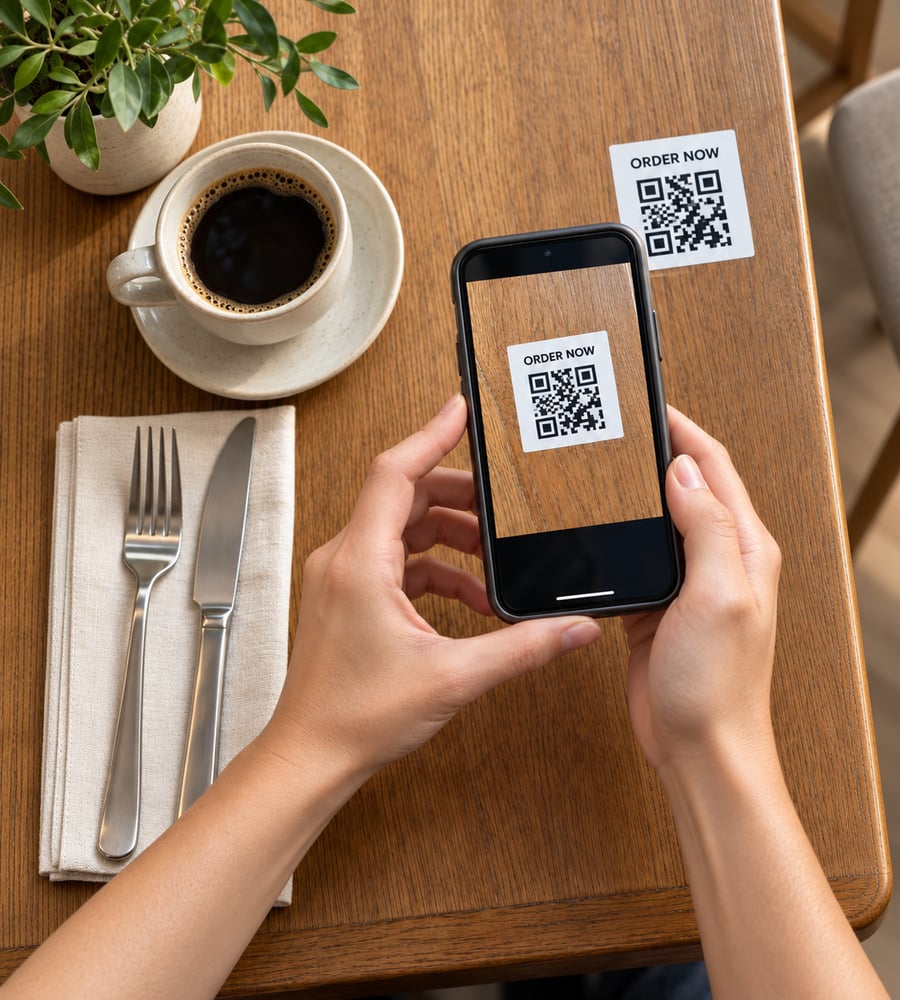
-
Guest Ordering, Connected to EDGESERV®: Dine-In Ordering adds guest-entered orders to your EDGESERV® setup. Place a QR code where guests can reach it and give them a direct way to order while they’re with you.
-
Add Another Round, Pay When You're Ready: Guests can add more items to their existing check and pay from their phones when they’re ready to leave.
-
Take It To The Patio: Offer ordering from a table tent in the dining room, on the deck, or beside outdoor seating. Guests can use their own phones to get an order started.
-
Choose How The Order Starts: Use Handhelds for orders entered by staff. Explore Web Menu for menu viewing. Dine-In Ordering gives guests the ability to submit the order themselves.
Questions about dine-in ordering?
Do guests need an app or an account?
No. Guests can scan a QR code and place an order without downloading an app or registering.
Can guests choose their table number?
Yes. Dine-In Ordering includes an option to let guests select a table number.
Can I restrict access to ordering?
Yes. Custom passcodes are available to help prevent unauthorized access.
Can guests pay from their phones?
Yes. Guests can place and pay for their dine-in order from their own phones.
Try the guest experience.
See how QR ordering works in an EDGESERV® demo.