
Keep a closer count.
Track stock, record adjustments, and see what needs replenishing with inventory tools connected to EDGESERV®.
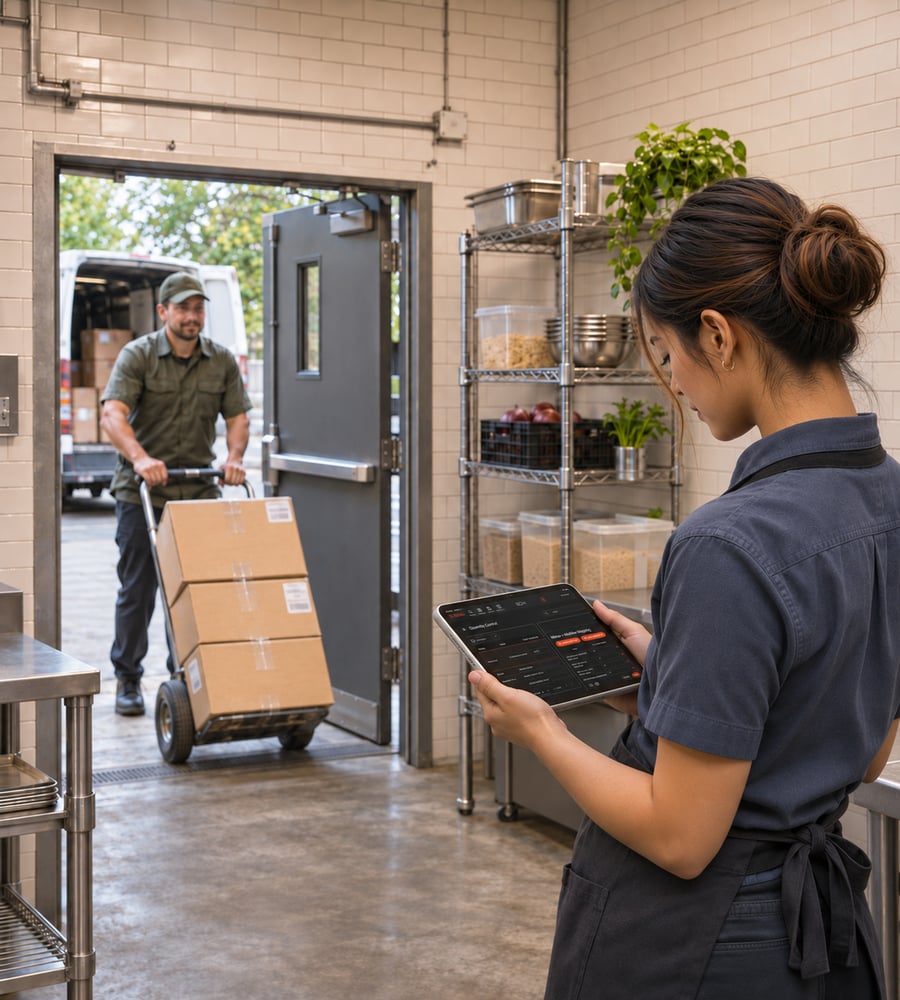
-
Know What's On Hand: Keep stock counts in one place. Update quantities after a count or delivery, so the next purchasing decision starts with a clearer picture.
-
Connect Sales to Stock: Let recorded sales update tracked quantities, so you can follow what’s moving without subtracting each sale by hand.
-
Account For What Didn't Sell: Record waste and other stock adjustments to keep quantities closer to what’s actually on the shelf.
-
See What's Running Low: Set stock thresholds to flag items that need attention before your next order.
Questions about inventory?
What can I track with EDGESERV® inventory management?
Item and modifier usage, including the ability to create basic connections between related items and modifiers (e.g., wine by the glass, meat sold by the pound, and other linked items).®
How do sales, deliveries, and waste affect stock counts?
Sales automatically deduct inventory from the available stock based on the configured quantities and conversion ratios for each item or modifier. Deliveries increase stock counts, while waste reduces them, helping maintain accurate inventory levels.
How can I see which items need replenishing?
The On-Hand Inventory Report provides current stock levels for all items, making it easy to identify which items need replenishment. Additionally, the Front of House (FOH) displays low-stock items to alert staff when inventory is running low.
Start with the items you track.
Explore inventory options in an EDGESERV® demo.